Native (mobile)
miso native
Miso.Native targets native mobile devices by driving the Lynx runtime instead of the browser DOM. The same MVU programming model, Component API, event delegation and virtual-DOM diffing you use on the web carry over unchanged — only the element vocabulary differs (view_, text_, … instead of div_ / span_) and rendering is performed by Lynx's element PAPI rather than by mutating a browser DOM.
This module is the native analogue of the miso / startApp entry points: native (and nativeWithContext) boot a root component onto the Lynx runtime.
Anatomy of a native miso app
Keep scrolling — the phone comes apart into the dual-thread architecture that runs miso on iOS and Android.
A miso app on your phone.
It all lives in one iOS process.
Lynx hosts two JavaScript interpreters: the main thread renders, the background thread thinks.
Each interpreter loads the same bundle — JavaScript, CSS, assets.
And inside the JS: two GHC runtimes, one application, one miso.
Enabling native
The native backend is gated behind the native cabal flag. It must be enabled to bring Miso.Native and the Miso.Native.* element / event / FFI modules into scope (build with -fnative). Web / WASM builds are unaffected — all cross-thread machinery lives behind the NATIVE CPP guard.
$ nix develop github:dmjio/miso#native
$ cabal build --with-compiler=javascript-unknown-ghcjs-ghc \
              --with-hc-pkg=javascript-unknown-ghcjs-ghc-pkg -f native
The JavaScript output is bundled for Lynx with rspeedy and loaded by the Lynx Explorer app or your own iOS / Android shell. The miso-lynx repository has the tooling and a gallery.
Building a bundle with Nix
miso's flake exports everything needed to produce a main.lynx.bundle reproducibly. miso.lib.${system}.ghcNative is the GHC-JS package set with miso-native preinstalled — callCabal2nix your own app into it — and pkgs.mkLynxBundle (also exported as miso.lib.${system}.mkLynxBundle) turns that JS derivation into a Lynx bundle:
{
  inputs.miso.url = "github:dmjio/miso";

  outputs = { miso, ... }:
    let system = "aarch64-darwin";                  # or x86_64-linux, …
        lib = miso.lib.${system};
    in {
      packages.${system}.bundle = lib.mkLynxBundle {
        name    = "my-app-bundle";
        jsDrv   = lib.ghcNative.callCabal2nix "my-app" ./. { };
        exeName = "my-app";
        styles  = ./styles.css;
      };
    };
}
nix build .#bundle then leaves result/main.lynx.bundle ready to load in the Lynx Explorer app. For interactive work, nix develop github:dmjio/miso#native provides the GHC-JS compiler (the ghcNative package set), rspeedy and bun.
To ship a standalone iOS app, the miso-lynx-gallery example includes an ios/ folder: copy the bundle the Nix derivation produced (the /nix/store output symlinked at ./result) into the assets in ios/ and build with Xcode. See miso-lynx-gallery for more information.
Gallery
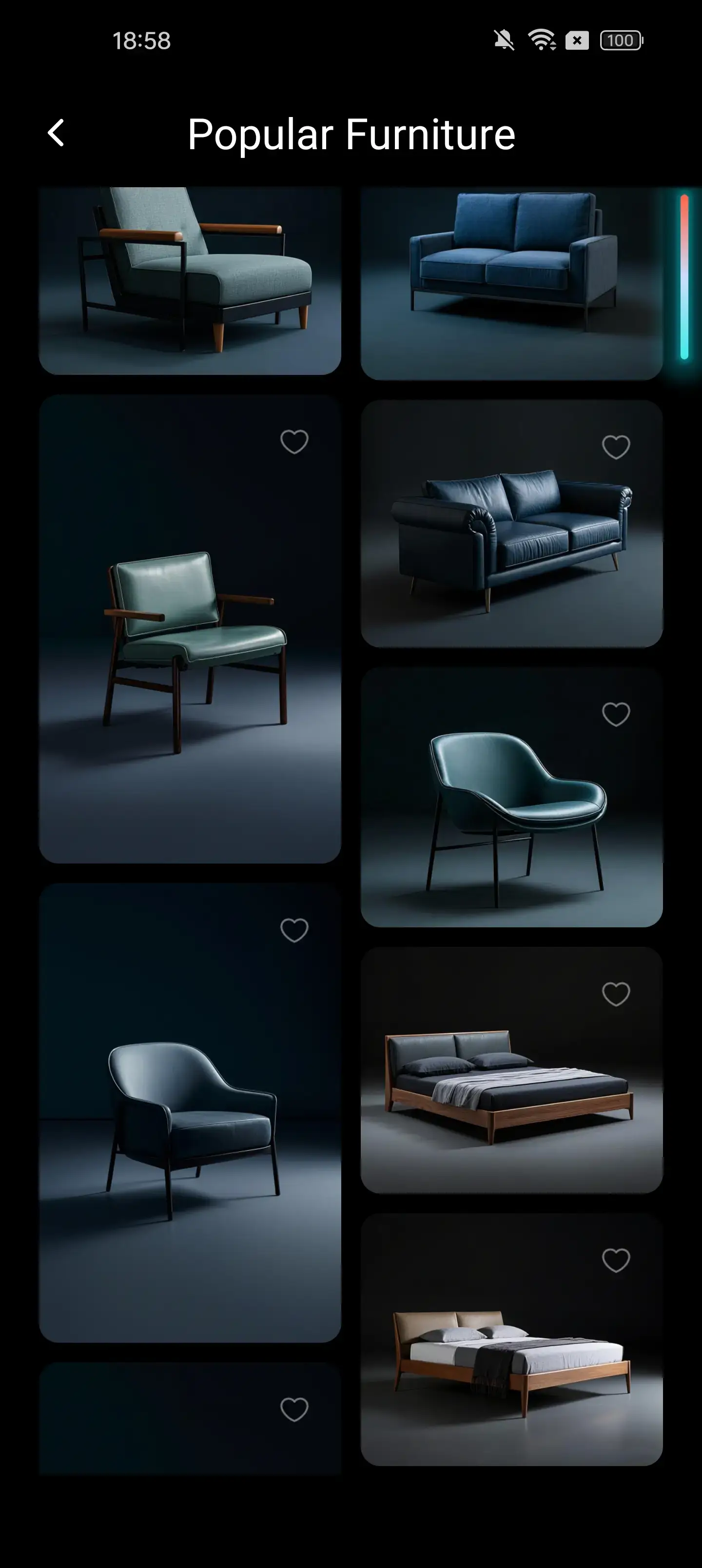
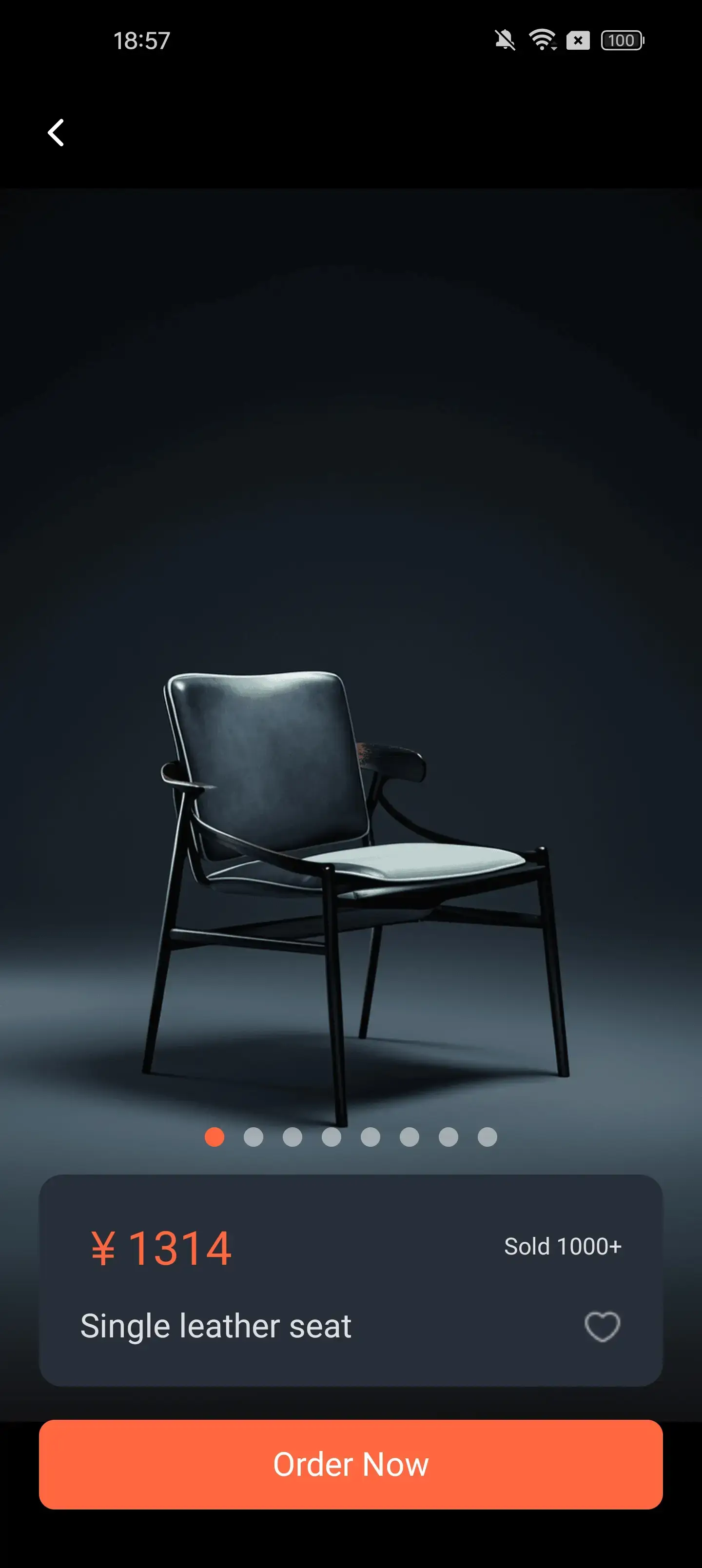
The UI stack miso drives natively, in the flesh — screens from Lynx's example apps. The miso-lynx-gallery repository builds a gallery of these components in miso.
In this section
- The dual-thread architecture — BTS vs MTS, what crosses the boundary, the instant first frame.
- Static mounting — why constructors cross threads as static pointers.
- Effects, subscriptions and threads —
runOnBG,runOnMainand guarding subs. - Main-thread events — low-latency
*Mainhandlers. - Main-thread-local state —
MainThreadRefandeachFrame. - Platform APIs — which APIs exist on which thread.
- A minimal native component — the counter, natively.